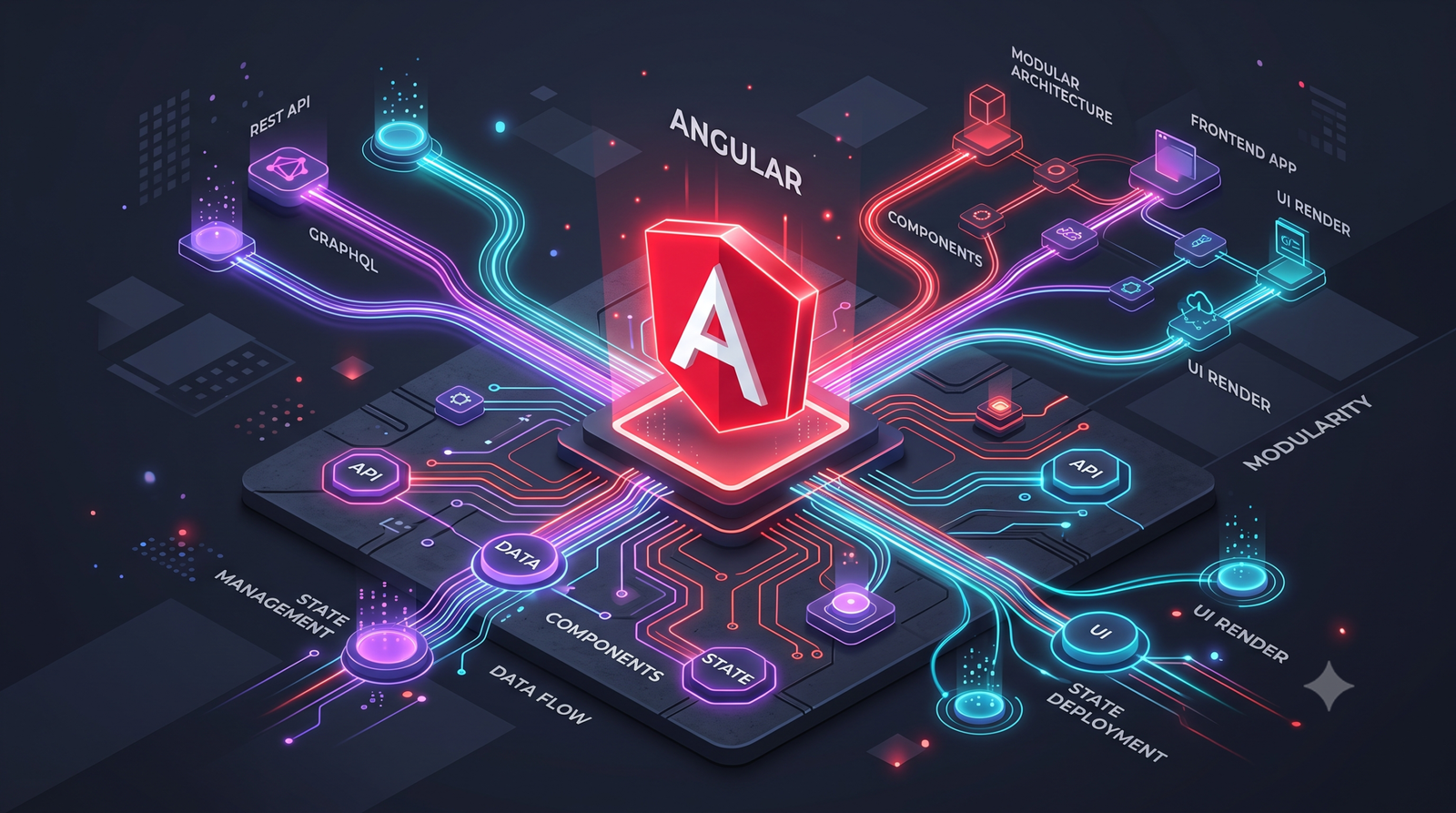

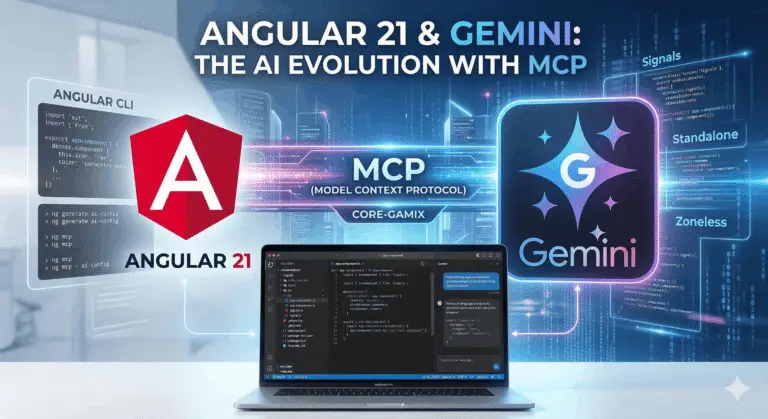
Angular 21 Gemini AI is the ultimate meta-shift every modern developer needs to master in 2026. If you are still manually copy-pasting code into a chat window, you are playing on “Easy Mode” while your competitors are speedrunning development. By bridging the gap between the Angular CLI and Large Language Models, we are turning our IDEs into sentient co-pilots.
🏆 Key Takeaways
- The Guardrail:
ng generate ai-configcreates a project-specific rulebook.- The Bridge: The Model Context Protocol (MCP) gives your AI “eyes” inside your local code.
- The Manual Fix: You must manually create
.gemini/settings.jsonand paste yourng mcpoutput.- The Performance: Angular 21’s Zoneless architecture is perfect for high-performance gaming web apps.
The Core Mechanics of Angular 21 Gemini AI
Before we dive into the setup, we need to talk about the power creep from versions 19 to 21. Angular 19 brought us stable Signals, and Angular 20 gave us Signal-based forms. However, version 21 is the first “AI-Native” release. It stabilizes the Model Context Protocol (MCP), allowing tools like Gemini to not just guess your code, but to actually understand your project’s unique file structure and dependencies.
For the CoreGamix community, this is like upgrading from a 60Hz monitor to a 240Hz setup—the reduction in “input lag” between your ideas and your code is staggering. When you utilize the Angular 21 Gemini AI workflow, you are essentially providing the LLM with a real-time map of your codebase’s “fog of war.”
Configuring the Angular 21 Gemini AI Integration
To get this working, you need to follow a specific “quest chain.” Missing one step will result in a configuration error, so pay close attention to the file paths and command arguments.
Initializing the Angular 21 Gemini AI Guardrails
First, we need to set the ground rules. You don’t want Gemini suggesting outdated NgModules or legacy zone.js patterns. This is where the schematic comes into play.
Run the Command:
Bash
ng generate ai-config --tool=geminiThe Result: This command generates a file at /.gemini/GEMINI.md. This isn’t just a readme; it is a System Instruction file. When you use Angular 21 Gemini AI in an MCP-aware environment, the model reads this file first to ensure it follows the latest v21 standards: Signals, Standalone Components, and the inject() function. ### Establishing the Angular 21 Gemini AI MCP Bridge This is where the real magic happens. We are going to turn your Angular CLI into an MCP server.
1. Initialize the Server: Run ng mcp in your terminal. This command will output a specific JSON object containing the execution path for the server.
2. The Manual Configuration (Crucial): Unlike previous versions, you must manually link this.
- Navigate to your
.gemini/folder. - Create a new file named
settings.json. - Paste the output from your
ng mcpcommand into this file.
{
  "mcpServers": {
    "angular-cli": {
      "command": "npx",
      "args": ["-y", "@angular/cli", "mcp"]
    }
  }
}
This settings.json file is the handshake. It tells the AI: “Hey, use the local npx @angular/cli mcp command to fetch my project context.”
Mastering the Angular 21 Gemini AI Performance Meta
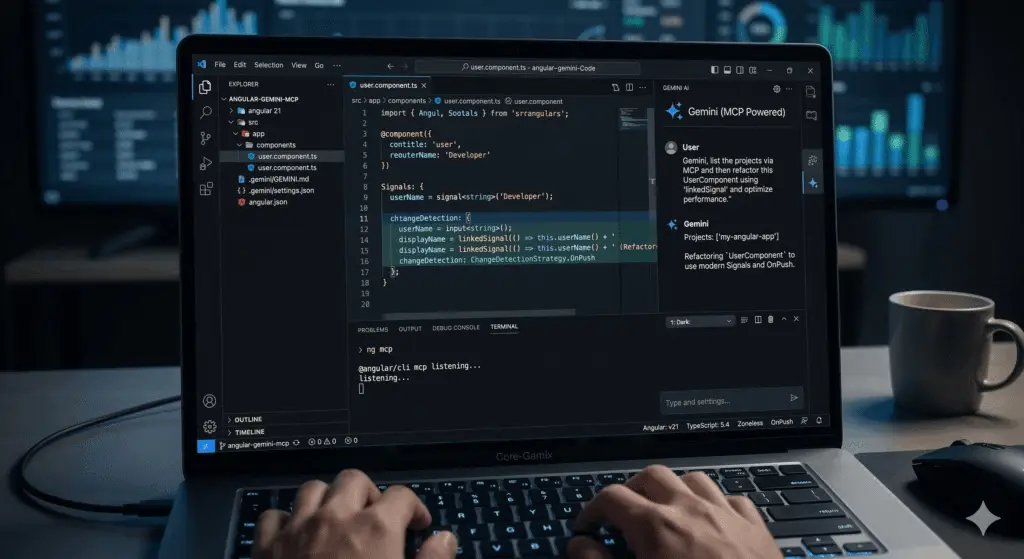
If you are building a gaming dashboard or a real-time stat tracker on CoreGamix, performance is your primary stat. You cannot afford the overhead of legacy change detection.
Pro-Tip #1: Use the –read-only Flag If you want Angular 21 Gemini AI to analyze your code without it making “ninja edits” to your files, add the --read-only flag to your settings.json arguments. This is perfect for performing deep architectural audits without risk.
Pro-Tip #2: Leverage Zoneless with AI Angular 21 is optimized for Zoneless applications. When prompting your AI, ask: “Using the rules in GEMINI.md, refactor this component to be Zoneless using the new Signal-based change detection.” This will significantly boost your app’s FPS (Frames Per Second) equivalent in DOM rendering.
Why the Model Context Protocol (MCP) is the Ultimate Buff
The Model Context Protocol is an open standard that allows AI models to access data from diverse sources. By using the Angular MCP server, Gemini can execute tools like list_projects, get_best_practices, and even search_documentation.
Instead of searching Angular’s official documentation yourself, Gemini does it for you in real-time. It ensures that the code generated is not based on training data from years ago, but on the live docs of 2026. This is the ultimate “cheat code” for staying ahead of the technical debt curve and ensuring your Angular 21 Gemini AI implementation is world-class.
Engagement & Community Beta
We are just scratching the surface of what Gemini AI can do for the gaming dev community. As we move closer to Angular 22, expect even deeper integrations.
What is your biggest frustration when using AI to write Angular code? Are you Team Signals or are you still holding onto Observables? Let us know in the comments below!
![Zoneless Angular 22 Apps: [Ultimate] Performance Guide](https://coregamix.com/wp-content/uploads/2026/08/Gemini_Generated_Image_sl7y99sl7y99sl7y-scaled.png)