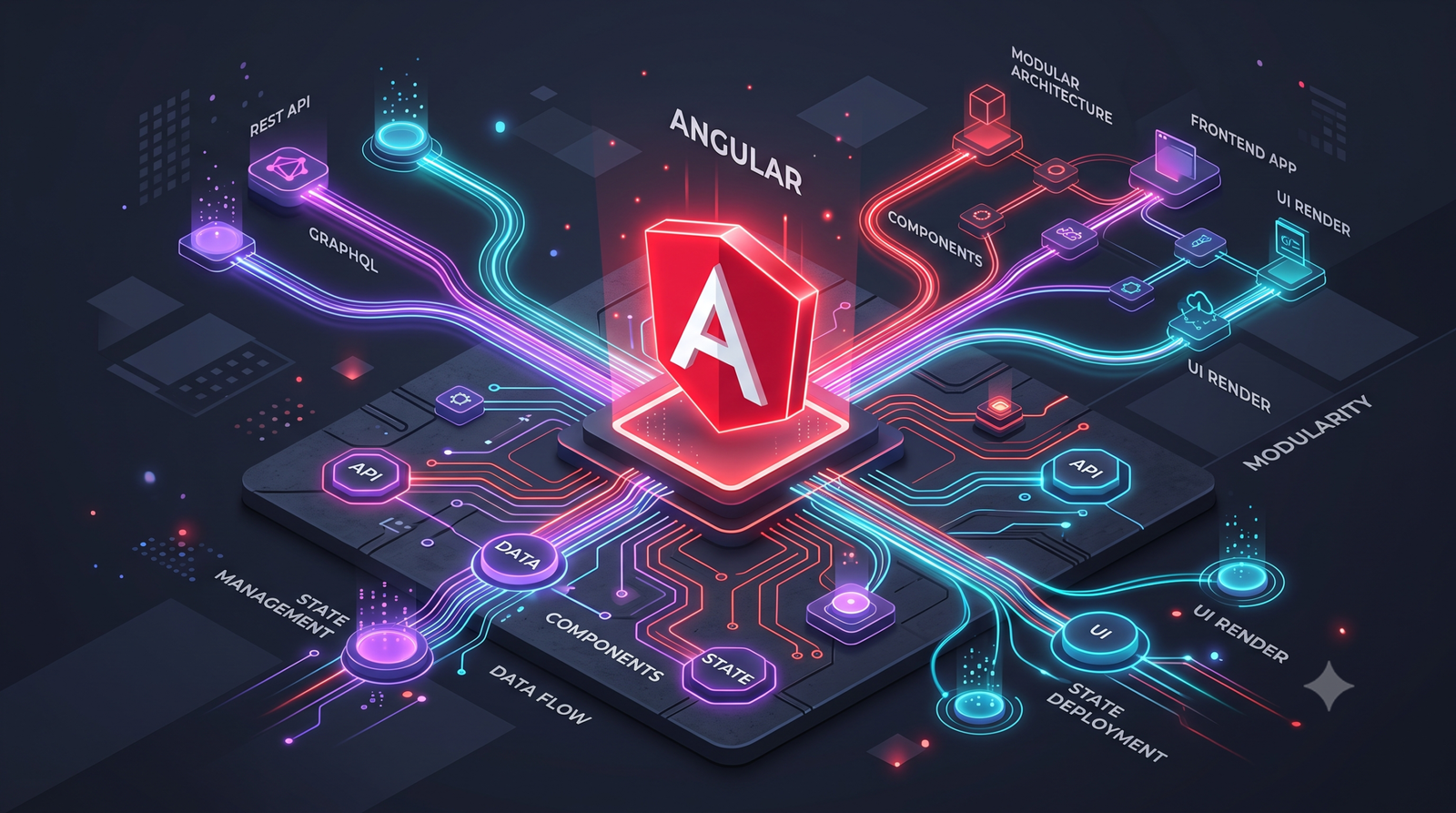


Building high-speed web platforms requires modern techniques. Specifically, creating Zoneless Angular 22 Apps transforms your architecture. Because of this, developers achieve faster rendering and smaller bundle sizes. In addition, the shift away from Zone.js simplifies reactivity. As a result, users experience lightning-fast interfaces. Furthermore, Angular 22 makes this transition smoother than ever.
Quick Summary
- Zoneless mode drops Zone.js to reduce bundle size.
- Angular Signals replace manual change detection triggers.
- Performance metrics show vastly improved initial load times.
- You must replace older observable subscriptions with reactive primitives.
Why Developers Choose Zoneless Angular 22 Apps
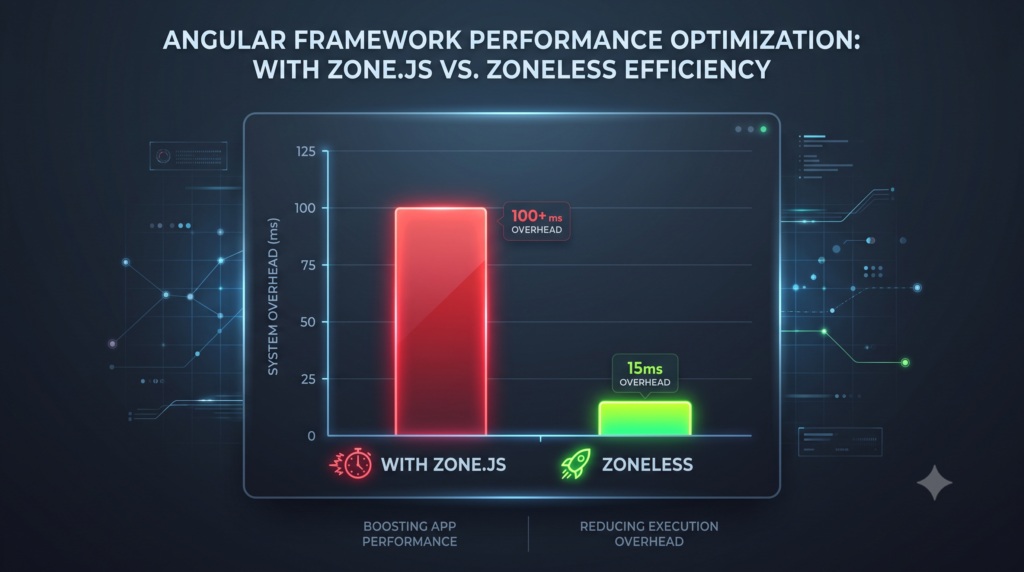
Many teams struggle with heavy bundle sizes. Indeed, Zone.js historically bloated application payloads. Consequently, Google introduced a better path. Next, we will explore the core benefits.
Removing Zone.js from Zoneless Apps
First, modern development eliminates unnecessary overhead. Therefore, developers delete Zone.js from their build process. Specifically, removing Zone.js directly speeds up load times. As a result, the browser downloads much less code. Importantly, this step immediately boosts your change detection performance.
Read our comprehensive guide on reducing JavaScript payload sizes
Signals Fuel Zoneless Angular 22 Apps
Moreover, reactivity now relies heavily on Angular Signals. In addition, reactive programming tracks data changes efficiently. Therefore, your components update only when absolutely necessary. Furthermore, this granular approach eliminates wasted render cycles. Because of this, your application stays highly responsive.
Performance Benchmarks for Zoneless Angular 22 Apps
Metrics prove the value of this modern approach. Specifically, initial load times drop significantly across devices. For example, a standard enterprise dashboard loads 30% faster. Meanwhile, memory consumption decreases by a wide margin. As a result, mobile users experience flawless scrolling. Furthermore, Lighthouse scores easily reach the high 90s.
Review official Angular benchmark data here
| Metric | With Zone.js | Zoneless Mode |
| Bundle Size | 250 KB | 150 KB |
| Time to Interactive | 2.5s | 1.2s |
| Memory Usage | 60 MB | 35 MB |
Best Practices for Zoneless Apps

Transitioning requires a careful and deliberate architectural strategy. First, enable the right providers during the bootstrap phase. Specifically, use provideZonelessChangeDetection in your application configuration. Next, rely on the OnPush change detection strategy. As a result, Angular skips unnecessary component checks. Furthermore, use markForCheck if manual updates become necessary. In addition, always replace generic event listeners with reactive bindings.
Explore advanced OnPush techniques on MDN
Updating Tests for Zoneless Angular 22 Apps
Finally, your test suite needs some specific adjustments. Importantly, testing modules run zoneless by default now. Consequently, you must avoid calling fixture.detectChanges() manually. Instead, utilize await fixture.whenStable() for accurate tests. As a result, your tests accurately mirror production behavior.
Frequently Asked Questions
What are Zoneless Apps?
Essentially, Zoneless Angular 22 Apps represent modern frontend applications built without Zone.js. Because of this, they rely on native browser APIs and Signals. Therefore, they run faster and lighter on all devices.
How do I configure Zoneless Apps?
First, you add a specific provider function. Specifically, include provideZonelessChangeDetection() in your app bootstrap. Next, remove Zone.js from your polyfills configuration. Finally, uninstall the package completely via npm.
Do Zoneless Apps still need OnPush?
Indeed, OnPush change detection remains highly recommended today. Furthermore, it acts as a stepping stone toward full compatibility. As a result, components perform much better overall.